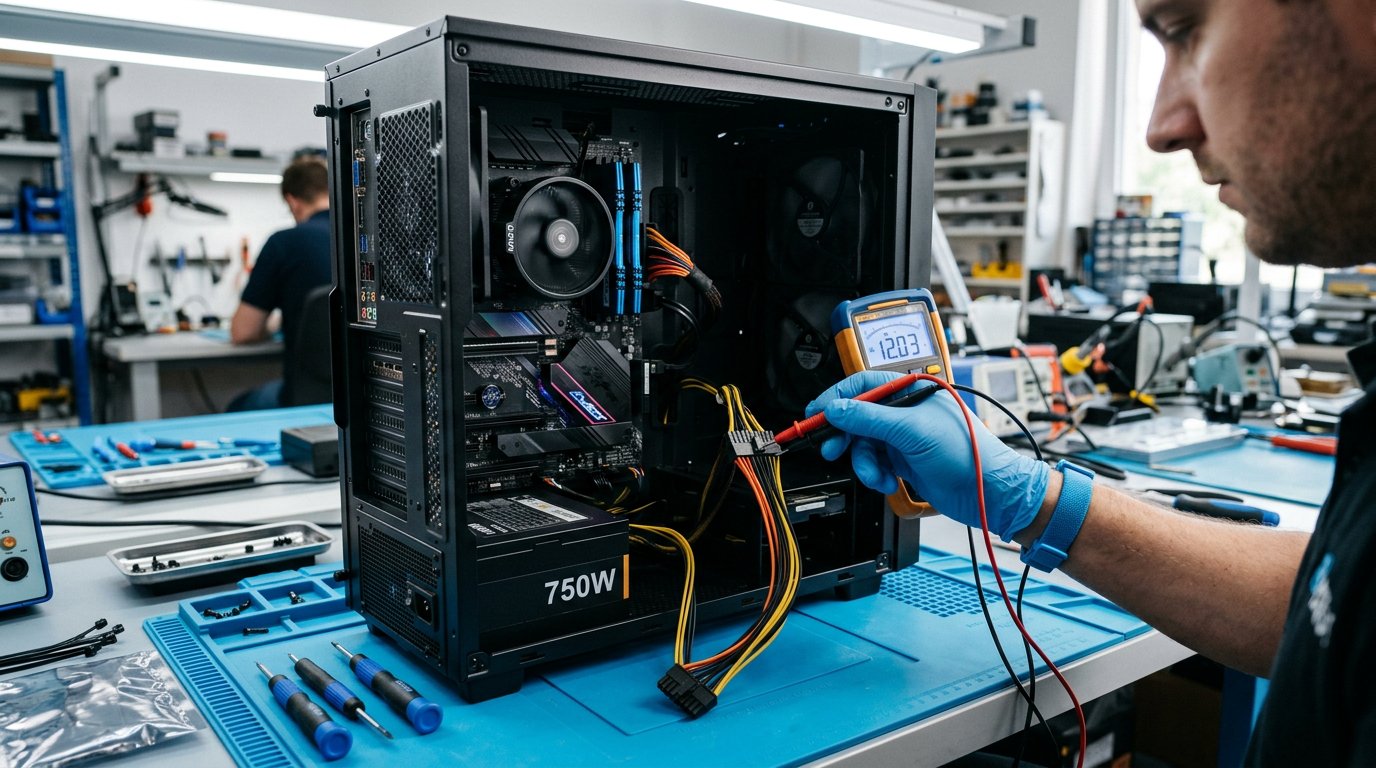
How to Diagnose a Dead Desktop PC: Step-by-Step Guide
95% found this helpful
Symptom 1: Nothing happens when you press power
- Check the obvious: wall switch, power strip, kettle lead seated firmly at both ends, and the PSU's own rocker switch set to "I".
- Test the outlet with a lamp or phone charger.
- Paperclip test the PSU: unplug everything, short the green wire to any black wire on the 24-pin connector with a paperclip, then switch on the PSU. If its fan doesn't spin, the PSU is likely dead.
- Check the case power button: short the two power-switch pins on the motherboard with a screwdriver. If the PC starts, the case button or its cable is faulty.
Symptom 2: Fans spin but no display
- Check the monitor input — is it set to the right source? Try a different cable.
- Reseat the RAM: remove sticks, clean contacts gently with an eraser, reinsert firmly until the clips click. Try one stick at a time in each slot.
- Reseat the GPU and its power cables.
- Listen for beep codes — consult your motherboard manual (1 long 2 short usually = graphics; continuous = memory).
- Reset CMOS: remove the coin battery for 2 minutes, or short the clear-CMOS jumper. Corrupted BIOS settings are a common cause.
- Try onboard video: remove the GPU and connect to the motherboard's HDMI/DP port.
Symptom 3: Powers on then shuts off immediately
- Overheating CPU — check the cooler is mounted firmly with thermal paste.
- Short circuit — check for loose screws behind the board, damaged USB ports.
- Failing PSU that can't sustain load.
Symptom 4: Starts but freezes or blue-screens
Run memory diagnostics (Windows Memory Diagnostic or MemTest86) and test the drive — see our hard drive guide. Check temperatures with HWiNFO.
Warning: Always unplug the PC and press the power button to drain residual charge before working inside. If you're unsure, let a professional handle it.
Need a hand?
Our hardware diagnostics service identifies the exact faulty part. Book a diagnostic.
Related Articles
 Hardware
Computer Randomly Restarting: Common Causes and How to Fix It
A computer that randomly restarts can be caused by overheating, hardware failures, driver problems, Windows errors,…
 Hardware
Monitor and Display Problems: Common Causes and How to Fix Them
Monitor and display problems can include a blank screen, flickering, distorted images, incorrect resolution, no signal,…
 Hardware
Webcam Not Working: Common Causes and How to Fix It
Is your webcam not working on Windows? Learn how to troubleshoot camera problems, including a camera that is not…
Comments (0)
No comments yet. Be the first to share your experience!
Leave a comment