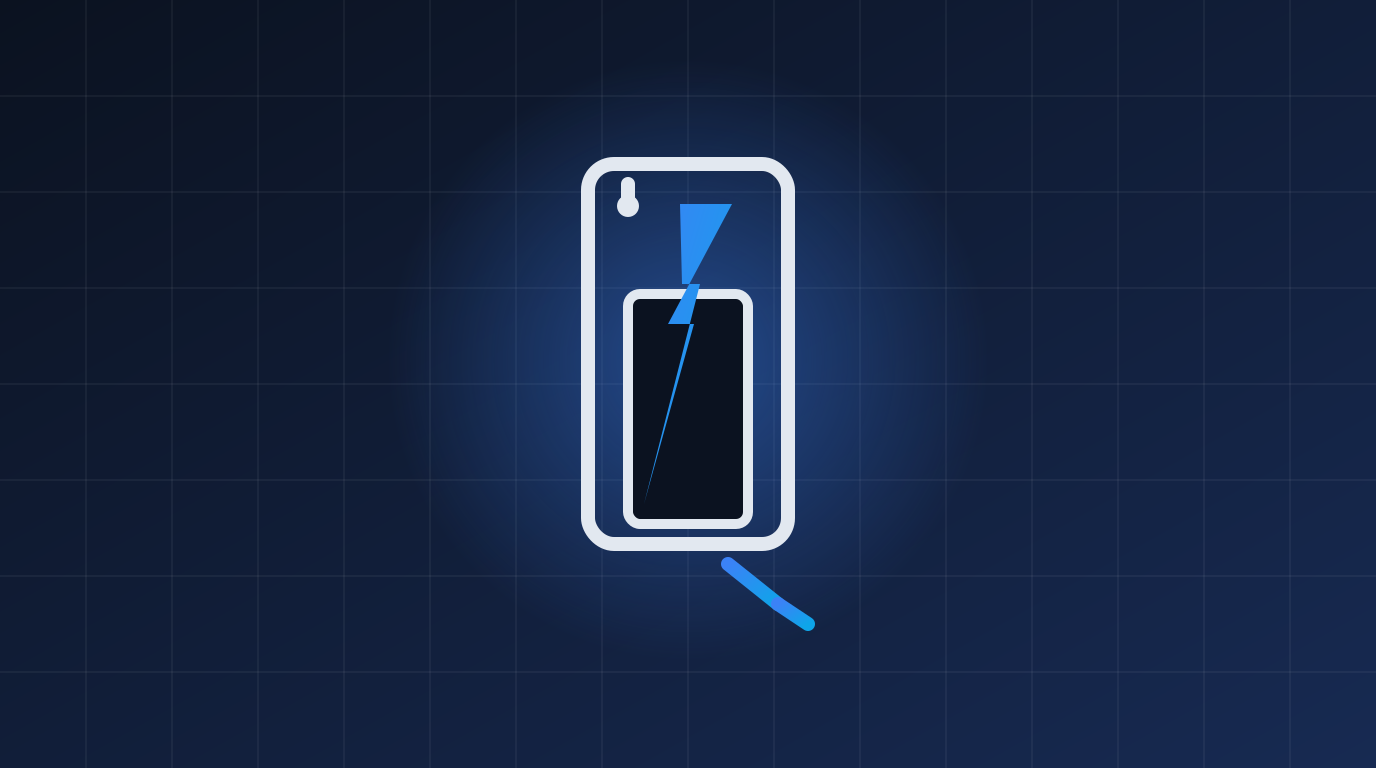
How to Fix a Phone That Won't Charge: Troubleshooting Guide
Quick checks first
- Try a different cable and charger — cables fail far more often than phones do. Test with a known-good combination.
- Try a different outlet — yes, some outlets and power strips are dead or flaky.
- Wait a few minutes — a fully drained battery can take 5–10 minutes to show any sign of life.
Step 1: Clean the charging port
Pocket lint packed into the port is the #1 cause of "won't charge". Shine a light in — if you can't see shiny metal at the bottom, it's dirty.
- Power off the phone.
- Use a wooden/plastic toothpick (never metal) to gently scrape out lint.
- Optional: a quick burst of compressed air.
- Test again — the cable should now click in firmly.
Step 2: Restart the phone
Hold power and volume-up (Android) or press volume up, volume down, then hold side button (iPhone) to force-restart. Charging problems are often just software glitches.
Step 3: Check for moisture
Water in the port triggers protection that blocks charging. Let it dry in a ventilated spot for a few hours (no rice needed — airflow is what matters).
Step 4: Test wireless charging (if supported)
If wireless charging works but cable doesn't, the port or cable is the problem. If neither works, it's the battery or charging circuit.
Step 5: Software and settings
- Install pending system updates.
- Close heavy apps — if the phone uses more power than the charger provides, it won't gain charge.
- Android: check Settings → Battery for warnings. Disable "optimized charging" temporarily to test.
Step 6: Battery health check
- iPhone: Settings → Battery → Battery Health. Below 80%? A replacement restores performance and life.
- Android: dial
*#*#4636#*#*(some models) or use apps like AccuBattery.
Still dead?
If nothing works, the port or battery likely needs professional repair. Contact us for a diagnosis.
Related Articles
 Windows
How to Fix Windows 11 Slow Performance
Is your Windows 11 PC lagging, freezing or taking forever to boot? Follow this step-by-step guide to speed it up…
 Windows
How to Fix Blue Screen of Death (BSOD) Errors on Windows
Stop errors like IRQL_NOT_LESS_OR_EQUAL, CRITICAL_PROCESS_DIED and MEMORY_MANAGEMENT. Learn what BSODs mean and how to…
 Windows
How to Reset a Forgotten Windows Password Without Losing Files
Locked out of your Windows 10 or 11 PC? Here are safe, legal ways to regain access without losing your files.
Comments (0)
No comments yet. Be the first to share your experience!
Leave a comment