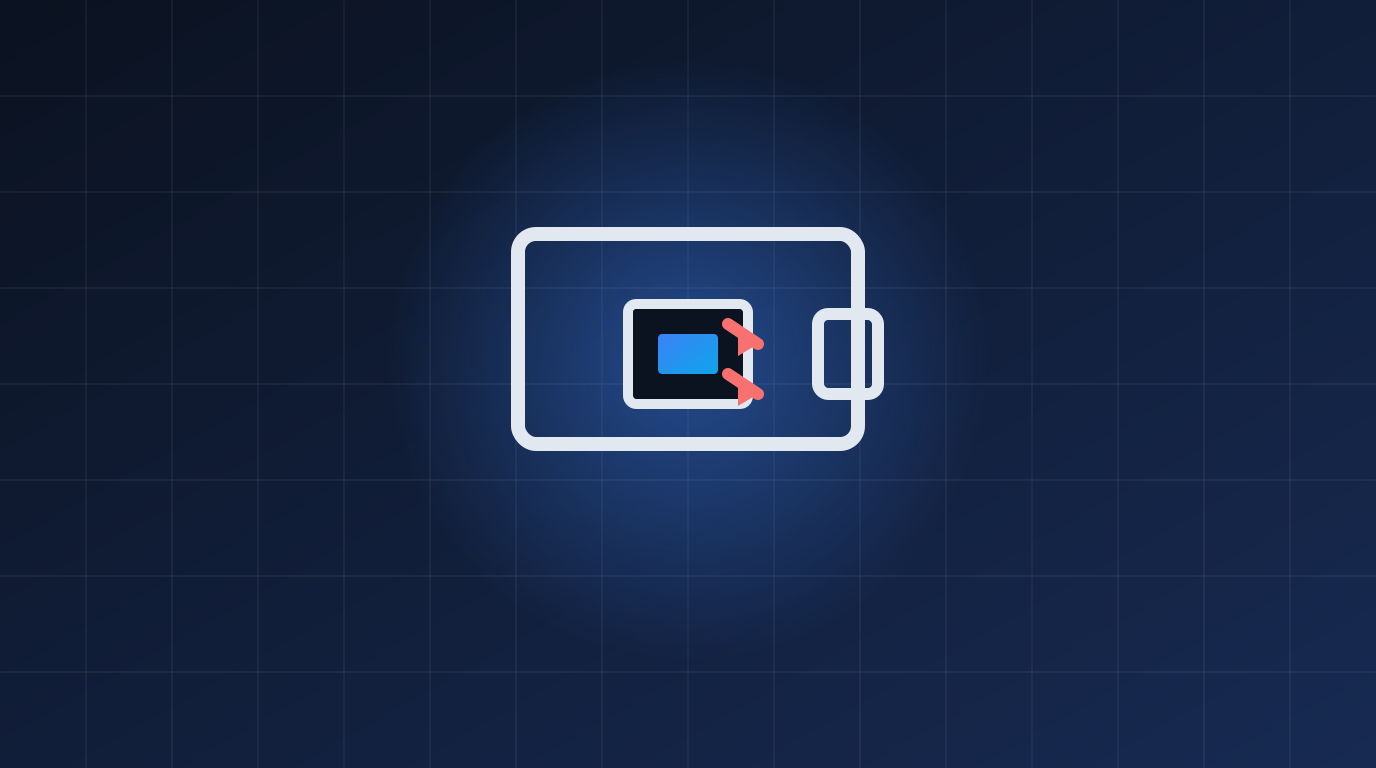
How to Fix Laptop Battery Draining Too Fast
Is the battery actually bad?
First, generate a battery report. Open Command Prompt and run:
powercfg /batteryreportOpen the saved HTML file and check Design Capacity vs Full Charge Capacity. If Full Charge is below ~70% of design, the battery is worn — the fix is a replacement (usually $50–120 for common models).
Step 1: Find the power hogs
- Settings → System → Power & battery → Battery usage.
- Check per-app usage — browsers with many tabs, video calls, and games dominate.
- In Task Manager, check background processes; end anything unnecessary.
Step 2: Adjust power settings
- Set power mode to Recommended/Balanced instead of Best performance.
- Lower screen brightness — the display is usually the #1 consumer (40–60%).
- Set screen to turn off after 3–5 minutes of inactivity.
- Turn on Battery saver automatically at 20%.
Step 3: Tame background activity
- Disable startup apps you don't need (see our startup guide).
- Turn off Bluetooth and WiFi when not needed (WiFi especially drains while roaming).
- Close OneDrive/cloud sync or pause it on battery.
- Stop apps from running in background: Settings → Apps → Installed apps → app → Advanced options → Background permissions.
Step 4: Update drivers and firmware
Check your laptop vendor's support page for BIOS and chipset updates — manufacturers regularly ship battery-life improvements. Also update the graphics driver.
Step 5: Care for the battery
- Avoid keeping the laptop at 100% plugged in 24/7; if your model supports it, enable a charge limit (60–80%) in the vendor's app (Lenovo Vantage, ASUS, Dell Power Manager).
- Heat kills batteries — don't leave the laptop in a hot car.
- Deep discharges (to 0%) wear the battery; recharge at 20–30%.
Need a replacement?
We can source and install a genuine battery for your model. Ask for a quote.
Related Articles
 Windows
How to Fix Windows 11 Slow Performance
Is your Windows 11 PC lagging, freezing or taking forever to boot? Follow this step-by-step guide to speed it up…
 Windows
How to Fix Blue Screen of Death (BSOD) Errors on Windows
Stop errors like IRQL_NOT_LESS_OR_EQUAL, CRITICAL_PROCESS_DIED and MEMORY_MANAGEMENT. Learn what BSODs mean and how to…
 Windows
How to Reset a Forgotten Windows Password Without Losing Files
Locked out of your Windows 10 or 11 PC? Here are safe, legal ways to regain access without losing your files.
Comments (0)
No comments yet. Be the first to share your experience!
Leave a comment