
10 Warning Signs Your Computer Has a Virus
The classic warning signs
1. Sudden, dramatic slowdowns
PC was fine last week and now crawls? Cryptominers and botnets burn your CPU in the background. Check Task Manager for unknown processes eating 90%+ CPU.
2. Pop-ups everywhere — even with no browser open
Adware infections push fake "virus warnings" and offers. Never click them, and never call the phone numbers shown — that's a tech-support scam.
3. Your browser homepage or search engine changed
Browser hijackers redirect your searches to ad-filled clones of Google/Bing. Resetting the browser usually fixes it (see our malware removal guide).
4. New toolbars, extensions or programs you didn't install
Check Apps → Installed apps sorted by install date, and your browser extensions list. Anything unfamiliar? Remove it.
5. Your antivirus is disabled and won't turn back on
Many infections first kill your protection. If Windows Security won't start or update, you're likely infected.
6. Files are encrypted or renamed (ransomware!)
Files open as garbage or have new extensions like .locked, .enc. Disconnect immediately and see the ransomware advice in our malware guide.
7. Friends receive spam "from you"
Your email or social accounts sending spam means either a stolen password or a PC infection. Change passwords from a clean device and enable 2FA.
8. High network activity when idle
Open Task Manager → Performance → see network traffic while you're doing nothing? Your PC may be part of a botnet. Disconnect and scan.
9. Programs open, close, or install by themselves
Remote-access trojans (RATs) let attackers control your PC. Disconnect from the internet and scan with a second-opinion tool immediately.
10. Passwords stop working
Can't log into accounts you know the password for? That account was likely stolen and changed. Start recovery immediately and secure other accounts with 2FA.
What to do if you spot these signs
Follow our complete malware removal guide, or let our technicians clean it remotely. Book malware removal.
Related Articles
 Windows
How to Fix Windows 11 Slow Performance
Is your Windows 11 PC lagging, freezing or taking forever to boot? Follow this step-by-step guide to speed it up…
 Windows
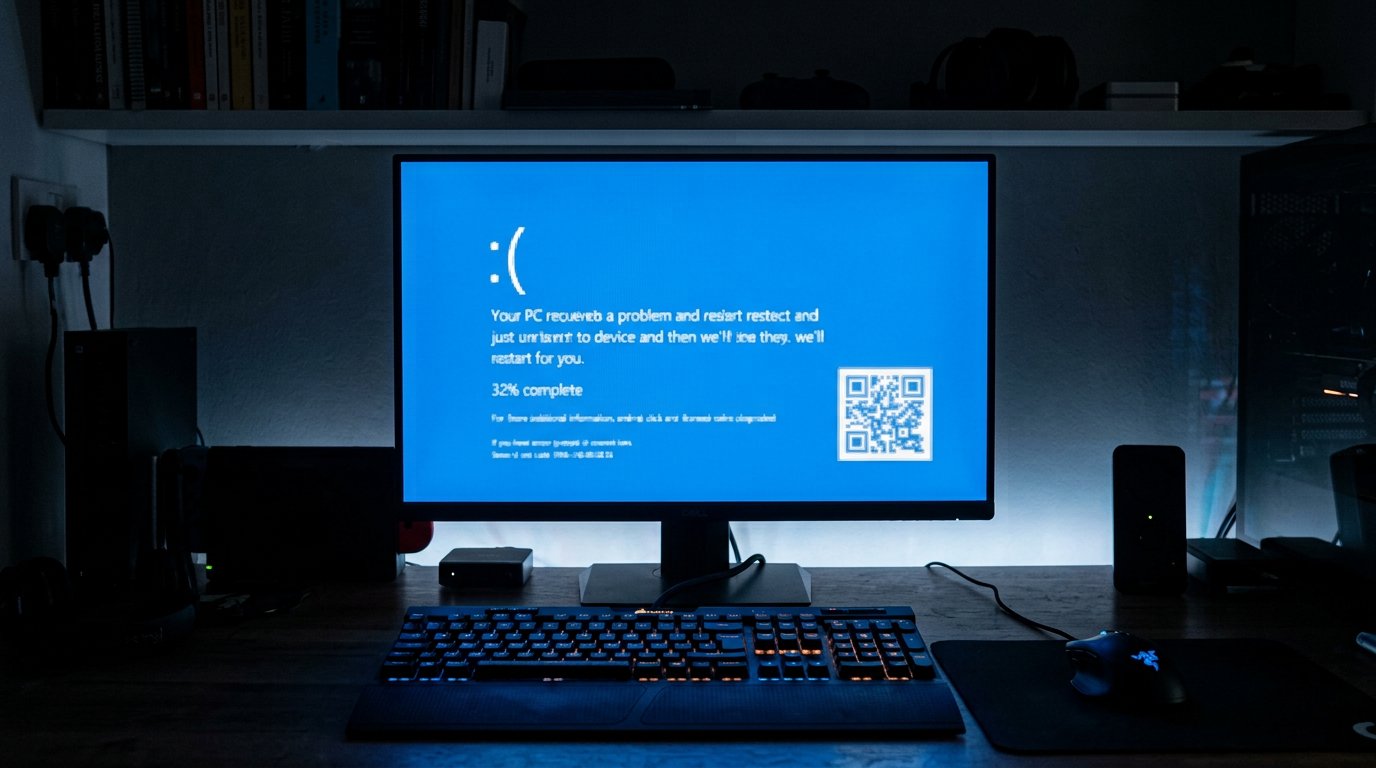
How to Fix Blue Screen of Death (BSOD) Errors on Windows
Stop errors like IRQL_NOT_LESS_OR_EQUAL, CRITICAL_PROCESS_DIED and MEMORY_MANAGEMENT. Learn what BSODs mean and how to…
 Windows
How to Reset a Forgotten Windows Password Without Losing Files
Locked out of your Windows 10 or 11 PC? Here are safe, legal ways to regain access without losing your files.
Comments (0)
No comments yet. Be the first to share your experience!
Leave a comment